Create and share files
Start a digital file and share it with the right people without losing the context around the work.
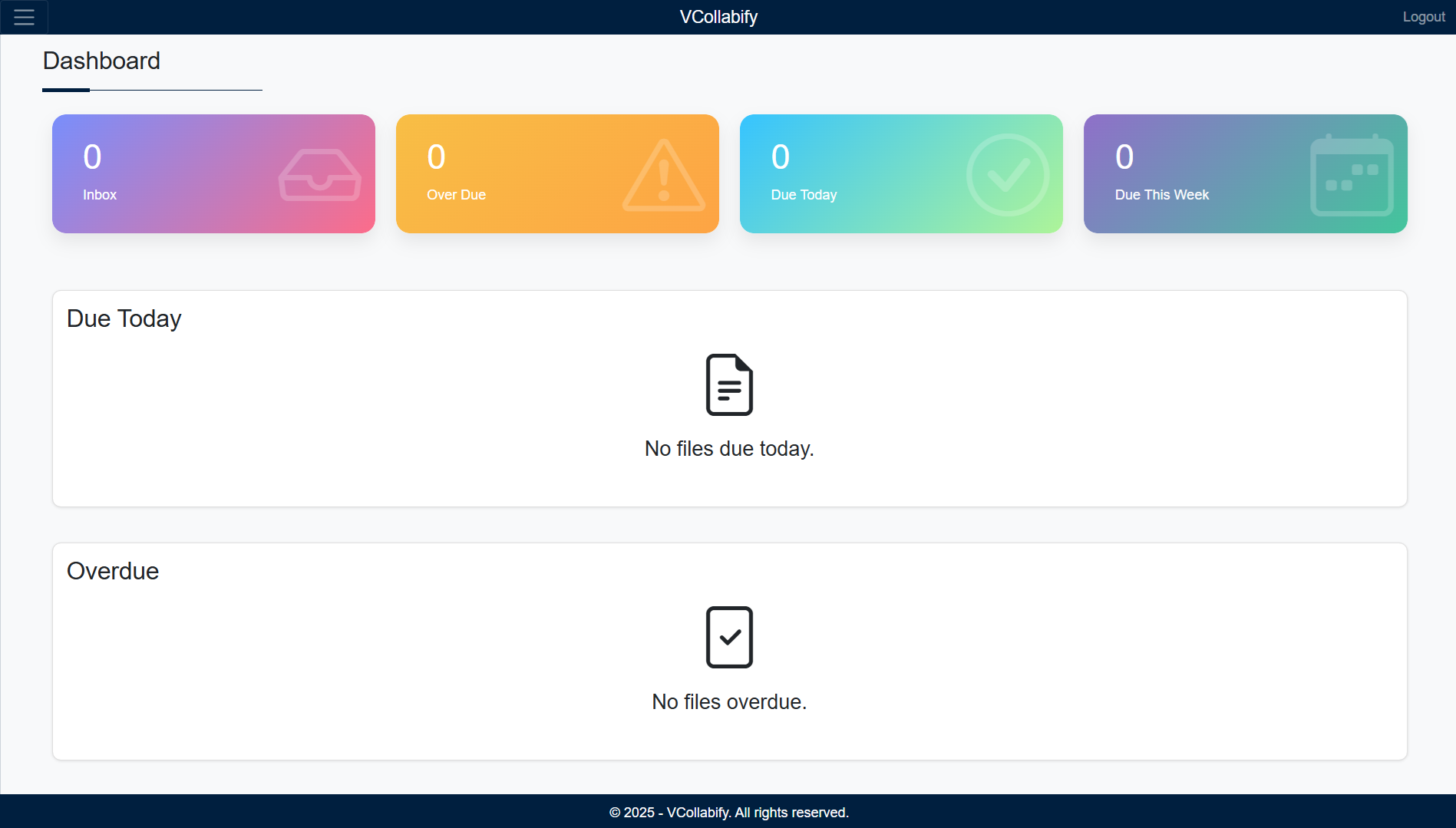
VCollabify helps teams create, attach, forward, and manage files in the cloud—so the story of the work stays with the work instead of being scattered across outdated attachments and inboxes.
Start with a file, add related documents, and move it through your team just like the work already happens—only with clearer context, better visibility, and a more dependable handoff.
Ask about VCollabifyGive people a clearer way to move important work through the organization.
Start a digital file and share it with the right people without losing the context around the work.
Add supporting documents or updates while keeping related material together in one connected file journey.
Carry notes, contributors, and previous attachments through every handoff instead of starting another email chain.
Keep a clear view of who received, opened, or forwarded a file with a useful record of its journey.
Use roles and permissions to help keep important files available to the right people and teams.
Keep collaboration moving across devices, locations, and distributed teams with cloud-based access.
VCollabify is designed around the real journey of a file: create it, add what the next person needs, forward it with its context, and keep a clearer view of what happened along the way.
VCollabify supports teams that need files to move clearly, securely, and with enough context for the next decision.
Replace messy email chains with clearer internal document workflows and approvals.
Move departmental files, reviews, and approvals with clearer handoff context.
Coordinate patient and administrative documents between care teams and departments.
Organize applications, supporting documents, reviews, and approval workflows.
Keep sensitive handoffs organized with clearer ownership and access history.
Collaborate on student records, circulars, and administrative files across teams.
Coordinate grant, program, partner, and field documents across teams and locations.
Keep contracts, drawings, permits, inspections, and project handoffs connected.
Coordinate purchase orders, quality records, delivery documents, and vendor handoffs.
Share, update, and review client files without losing the latest context.
Tell us where files slow your team down and we’ll show you a clearer way forward.
Start a conversation